Q
I have an illustration I want to put up large on a wall, but it’s an image file, so it can’t be enlarged.
CASE
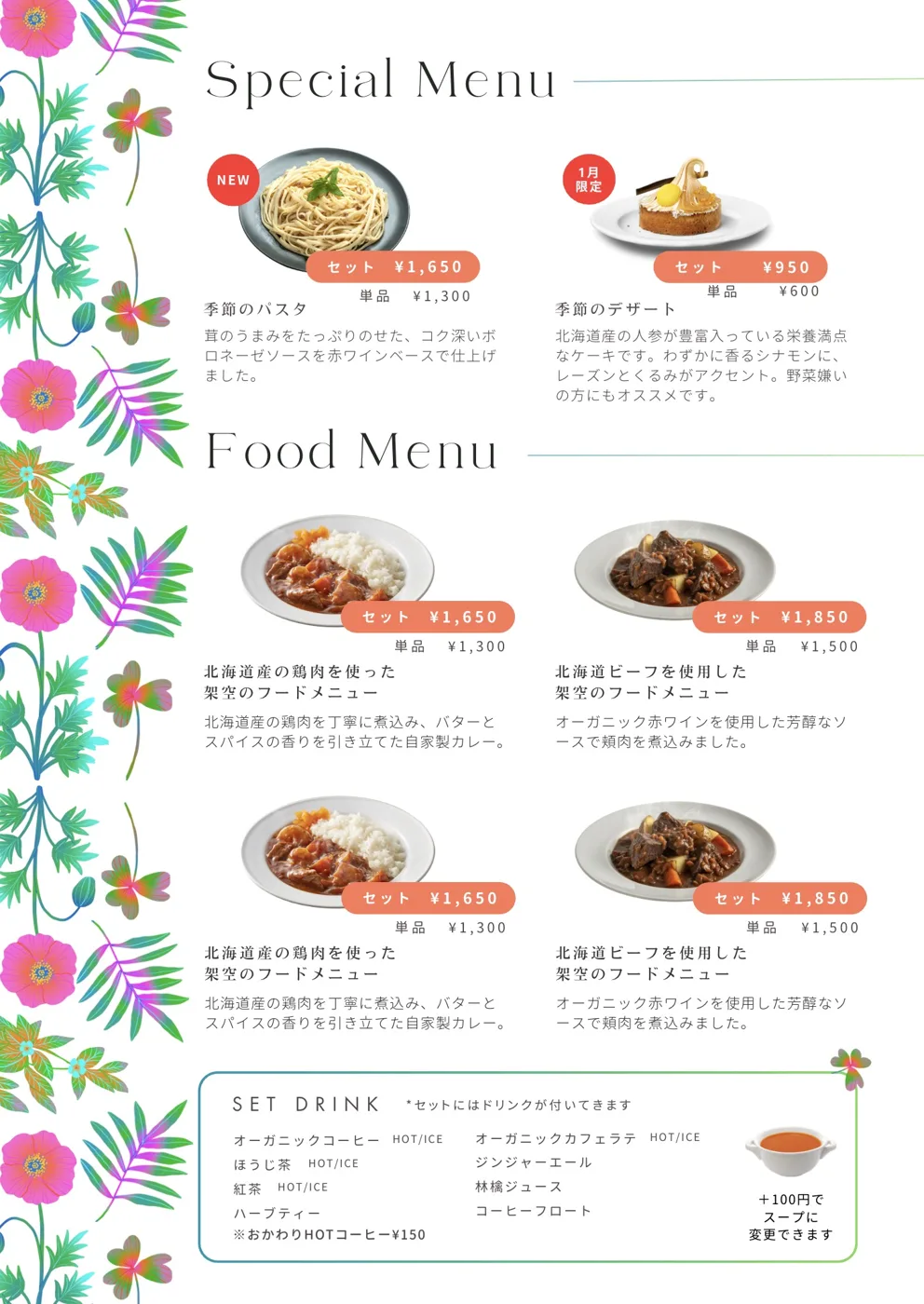
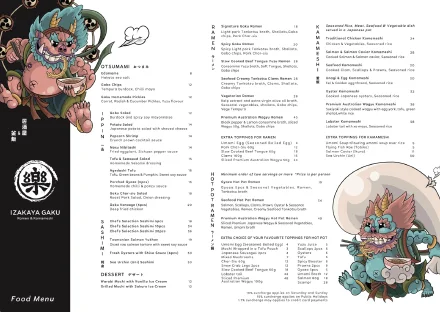
A menu using the vectorised illustration (Izakaya Gaku)
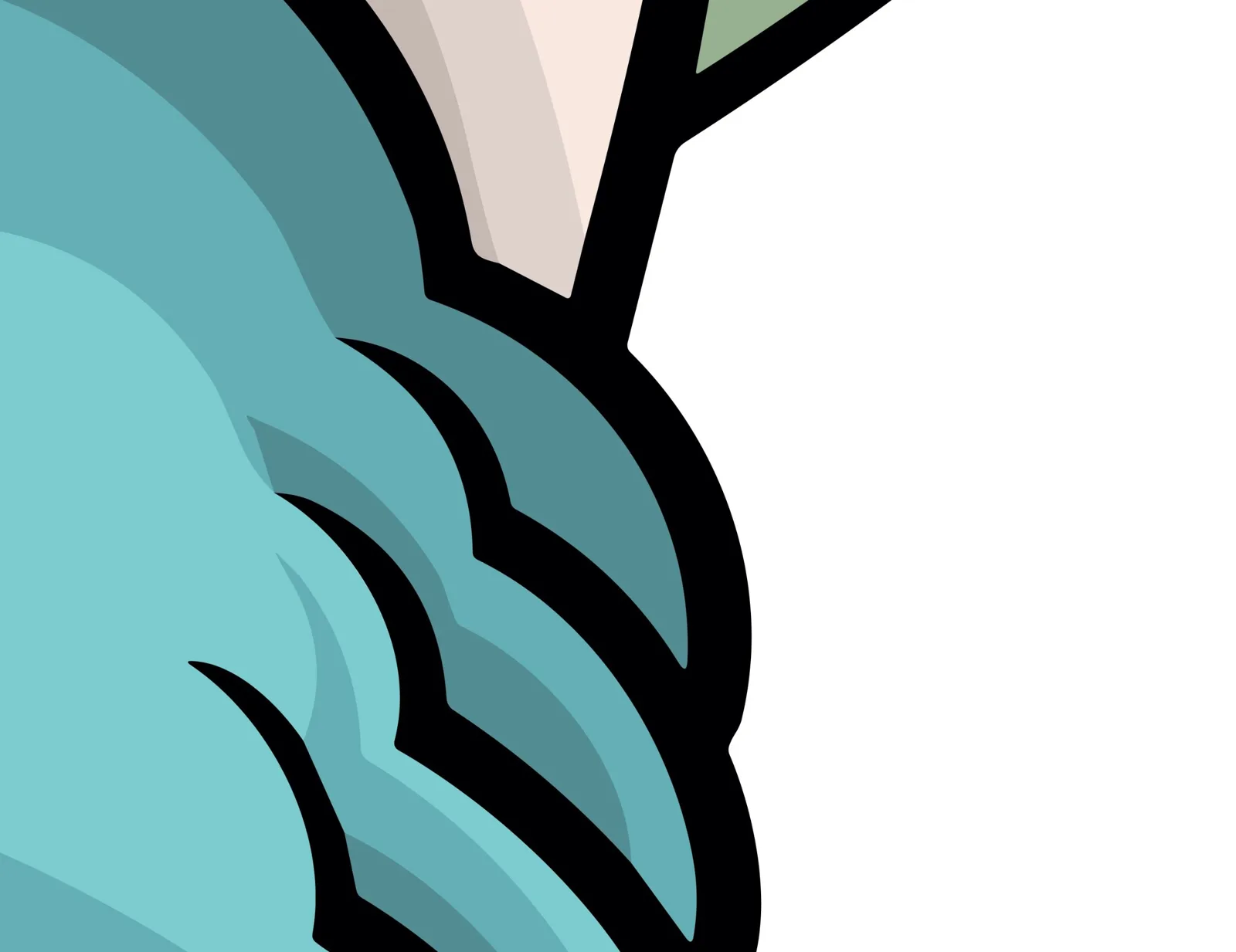
Zoomed right in, the lines stay perfectly smooth
In this case, Izakaya Gaku (Five Dock, Sydney) wanted to put an illustration up large on their wall, so they asked me to turn the illustration, which had been delivered as an image file, into vector artwork.
Once artwork is vectorised, you can enlarge it without it ever going pixelated, so it’s essential whenever you want to use it across lots of different applications. I mostly work in Adobe Illustrator. You can draw vector shapes with paths in Photoshop too, but for converting an image-based illustration into vectors, Illustrator is the better tool.
The illustration is by the artist Taddy (Instagram @666taddy), who works as an art creator under the name Hi-drop staR (@hidropstar) and has created all kinds of work, including designs for Arai helmets.
You can see how this grew into menus, signage and even a noren (a traditional Japanese doorway curtain) in Keeping the polish, making it easy to walk in | Izakaya Gaku.